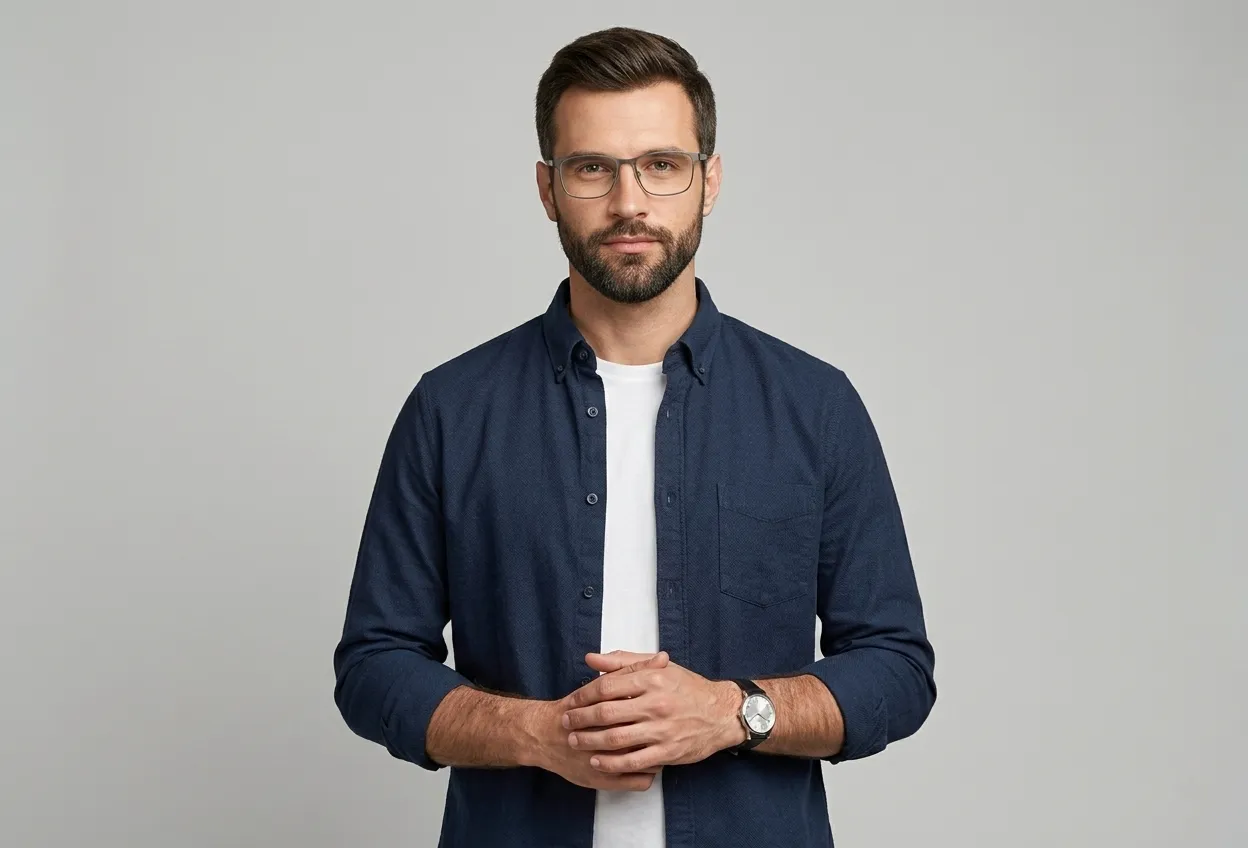
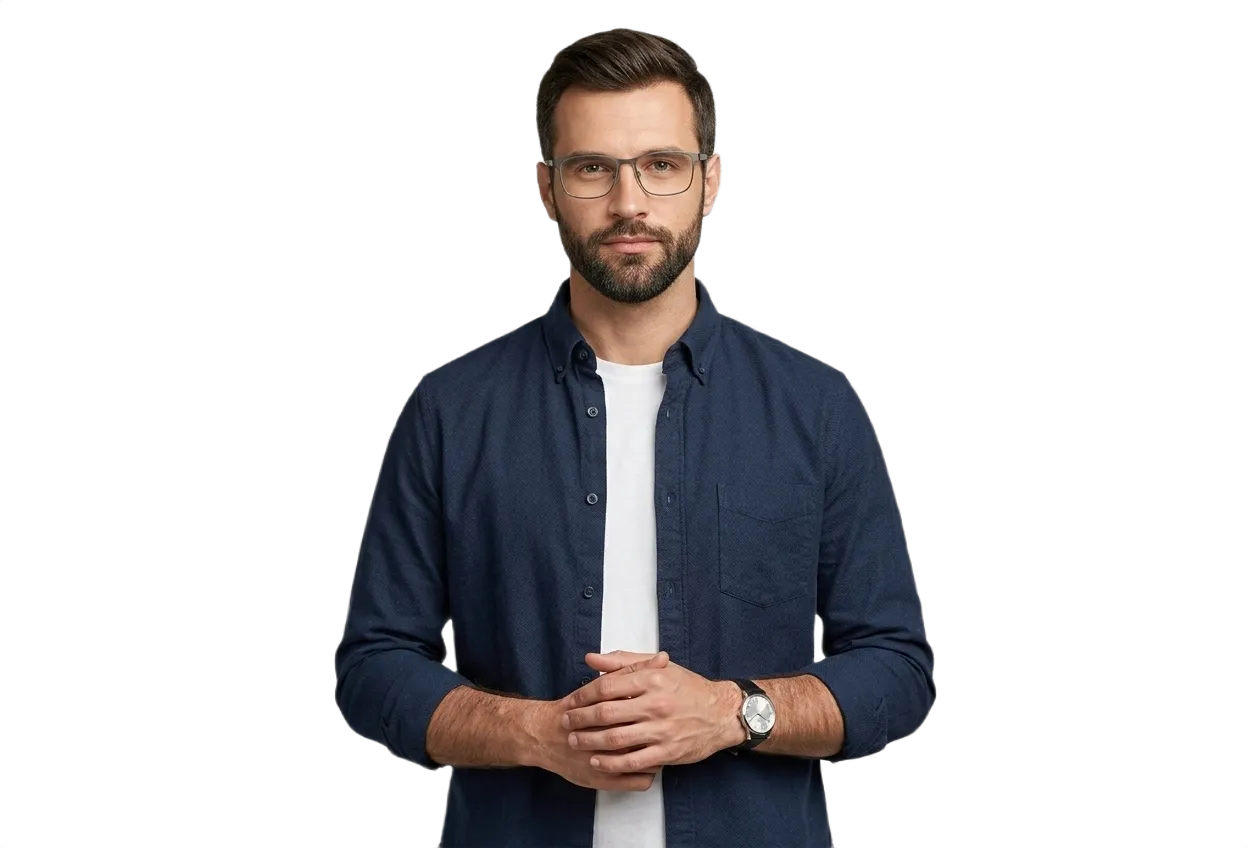
Prepare portraits for passport, visa, and ID applications by isolating the subject and replacing busy backgrounds with plain white, light gray, or blue solid colors.
✓Sub-pixel edge precision for hair, fur & glassware
Drag and drop any JPG, PNG, WebP, or GIF. Clear subjects with good contrast help our AI deliver the best results.
2
AI Removes the Background
Our AI engine detects the foreground subject with pixel-level precision and removes the background in seconds.
3
Download Transparent PNG
Get your high-resolution PNG with a transparent background. Change colors, or download as-is. No watermark, no compression.
Background Removal in Action
Select an image type below to see how our AI cleanly removes backgrounds with pixel-level precision.
Original
BG Removed
Drag the slider left or right to compare original photo vs background-removed result
300 DPI
Print-Ready Resolution
White/Blue/Gray
Standard Backdrop Presets
Hair Precision
Sub-Pixel Contour Matting
$0
Free Online Processing
Easy 3-Step Process
How to Use Passport Photo Background Remover
Extract your subject with clean, sub-pixel edges in three simple steps.
011
Upload Front-Facing Portrait
Upload a well-lit photo taken at eye level with shoulders visible and neutral facial expression.
022
Automated Head & Shoulder Matting
Our AI separates your silhouette from room backgrounds, preserving hair contours cleanly.
033
Select Required Background Color
Choose pure white (#FFFFFF), off-white, light blue, or neutral light gray according to your destination rules.
Why Background Uniformity Matters for Biometric Photos
Automated passport verification portals and consular staff inspect ID photos for plain, uniform backgrounds with zero shadows or textures. Wall patterns, household door frames, picture frames, or uneven background shadows behind the ears account for a significant portion of photo rejections.
Using RemoveBgNow allows you to strip away distracting home backdrops and place your portrait on an even solid color.
Common International Background Color Preferences
Different countries and visa authorities specify different background tones:
• United States (US Passports & Visas): Requires a plain white or off-white background with zero shadows.
• United Kingdom & European Schengen: Often require a plain cream, light gray, or off-white background (pure stark white is sometimes discouraged by HMPO).
• India, UAE, and Asian Passports: Many authorities specify plain white or light blue backdrops depending on the document type.
• Canadian Passports: Require plain white or light-colored background with uniform lighting.
Always consult the official embassy or consulate website for your specific application before printing.
Tips for Taking a Suitable Portrait at Home
To ensure the best starting image for background removal:
• Natural Daylight: Face an open window with soft, indirect daylight to illuminate both sides of your face equally.
• Avoid Selfies: Wide-angle front-facing smartphone cameras distort facial geometry (e.g. making noses appear larger). Have someone else take the picture from 4-6 feet away at eye level.
• Neutral Expression: Keep both eyes open, mouth closed, and look directly into the camera lens.
• Avoid White Clothing on White Backgrounds: Wear dark or contrasting clothing so your shoulders stand out clearly.
Creator Recommendations
Helpful Tips & Best Practices
Maximize cutout sharpness and streamline your creative workflow.
Tip 01
Need Official Size Cropping?
If you need exact 2x2 inch (51x51mm) or 35x45mm dimension crops with printable sheet layouts, use our dedicated Passport Photo Maker tool.
Tip 02
Remove Eyeglass Glare
Most passport authorities prohibit eyeglasses or require glare-free lenses. Taking the photo without glasses avoids biometric rejection.
Got Questions?
Frequently Asked Questions
Everything you need to know about passport photo background remover.
01Does this tool guarantee my passport application will be accepted?
No. Background removal is only one component of passport photo standards. Acceptance depends on your photo meeting all guidelines set by the issuing government (facial expression, head size percentage, lighting, etc.).
02What background color should I choose for a US passport photo?
The US Department of State requires a plain white or off-white background with no shadows or patterns.
03Can I print my photo at a pharmacy or local print shop?
Yes. RemoveBgNow exports full-resolution 300 DPI files suitable for printing on standard photo paper.
04Where can I access the dedicated passport cropping wizard?
You can use our free Passport Photo Maker tool accessible from the top navigation, which provides country-specific cropping templates and printable sheets.
Explore More Free AI Image Editing Tools
Enhance image resolution up to 4x, create official biometric passport photos, or process up to 30 images in batch with automatic failover — 100% free with no sign-up or limits.