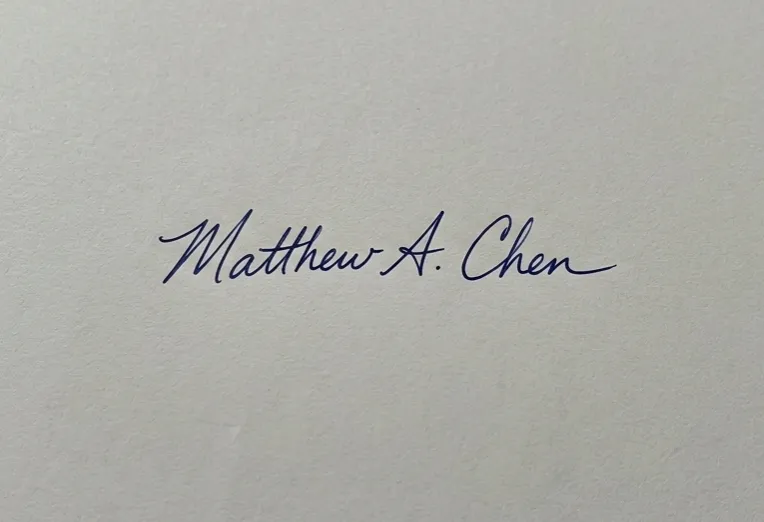
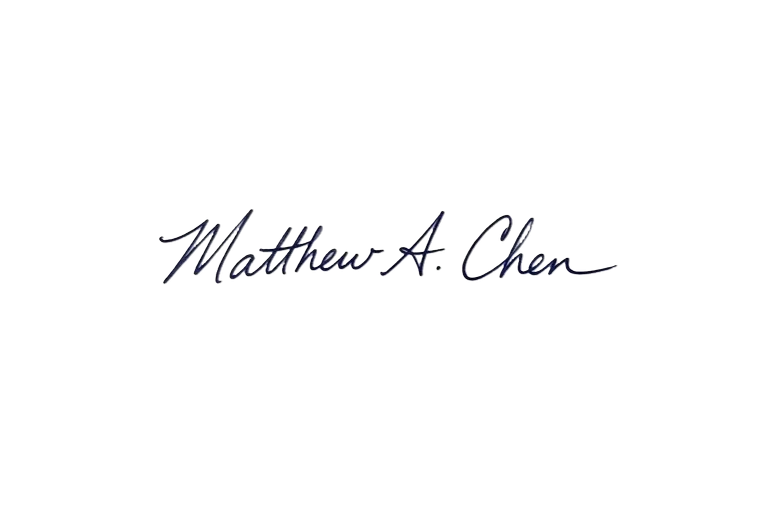
Remove Background From Signature Online
Extract handwritten signatures from paper, notebook pages, and scanned documents. Convert signatures into crisp, transparent PNGs ready to place into PDF documents, presentations, and digital forms.
Upload photo of your signature on plain white paper for best results ⢠Outputs crisp transparent PNG
Supports JPG, PNG, WebP ⢠Up to 20MBBy uploading images, you agree to our Terms of Use and Privacy Policy
How to Remove Background from an Image
Upload Your Photo
Drag and drop any JPG, PNG, WebP, or GIF. Clear subjects with good contrast help our AI deliver the best results.
AI Removes the Background
Our AI engine detects the foreground subject with pixel-level precision and removes the background in seconds.
Download Transparent PNG
Get your high-resolution PNG with a transparent background. Change colors, or download as-is. No watermark, no compression.
Background Removal in Action
Select an image type below to see how our AI cleanly removes backgrounds with pixel-level precision.


Drag the slider left or right to compare original photo vs background-removed result
How to Use Remove Background From Signature Online
Extract your subject with clean, sub-pixel edges in three simple steps.
Sign on Plain White Paper & Snap Photo
Write your signature using a dark pen (black or dark blue) on clean white unlined paper, then take a well-lit photo or scan.
Upload to RemoveBgNow
Our AI isolates the ink strokes from paper texture, shadows, and subtle page creases.
Download Transparent PNG
Download the transparent signature file and insert it seamlessly into Word, Google Docs, PDFs, or design software.
Practical Scenarios for Transparent Signatures
Best Practices for Clean Signature Capture
Helpful Tips & Best Practices
Maximize cutout sharpness and streamline your creative workflow.
Always Use Plain White Background
Sign on clean, unlined white paper with even lighting. A plain high-contrast background allows the AI to extract every delicate pen stroke with zero background noise.
Crop Close to the Signature Before Upload
Cropping the source photo to the bounding box of the signature ensures maximum pixel density and faster AI processing.
Adjust Size Proportionally in Documents
When inserting the PNG into a document, lock the aspect ratio so the signature does not become stretched or squashed.
Frequently Asked Questions
Everything you need to know about remove background from signature online.
Is a transparent PNG signature legally binding?
A PNG image of a signature is an image asset. While some informal contracts accept inserted images, regulated documents often require certified digital signatures (PKI cryptography). Check your document requirements.
Can I remove backgrounds from blue ink as well as black ink?
Yes. Our AI recognizes dark blue, black, and colored ink strokes and isolates them cleanly from paper backgrounds.
Are my signature uploads stored on your server?
No. All uploads are processed in temporary RAM and permanently deleted immediately after processing for your privacy and security.
What file format will my signature be downloaded in?
Your signature will be downloaded as a transparent 32-bit RGBA PNG file that can be placed over any colored background.
Explore More Free AI Image Editing Tools
Enhance image resolution up to 4x, create official biometric passport photos, or process up to 30 images in batch with automatic failover ā 100% free with no sign-up or limits.