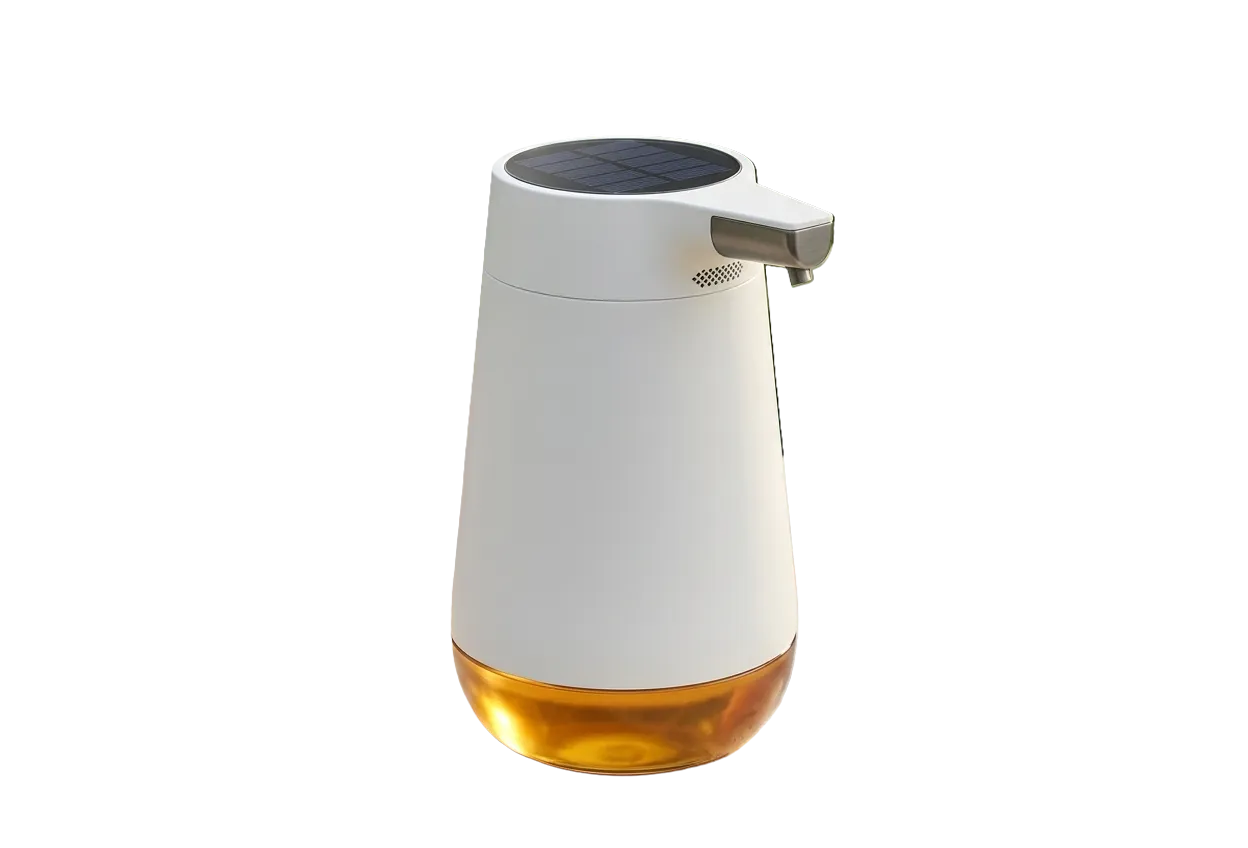
Why Clean Product Presentation Directly Influences Sales
In online retail, your product photography serves as the digital stand-in for the physical touch-and-feel experience. Cluttered backgrounds, household lighting, uneven wall textures, or harsh cast shadows distract prospective buyers and lower brand credibility.
Professional product isolation achieves three vital objectives:
1. Eliminates Visual Distractions: All customer focus remains centered on product textures, craftsmanship, colors, and key features.
2. Standardizes Catalog Aesthetics: Uniform white or transparent backgrounds give your entire store a cohesive, professional look whether you carry 10 SKUs or 1,000 SKUs.
3. Enhances Mobile Browsing: On small smartphone screens, busy backgrounds shrink the visible size of the actual product. Isolated cutouts allow products to occupy maximum frame space.
Handling Difficult Product Materials: Glass, Metals & Fabrics
Generic background removal tools often struggle with challenging product surfaces. Here is how RemoveBgNow handles complex e-commerce items:
• Glassware & Perfume Bottles: Preserves natural internal reflections and partial opacity so background colors show through realistically.
• Jewelry & Fine Chains: Retains intricate necklace links, gemstone facets, and delicate metallic prongs without cutting through them.
• Apparel & Textiles: Captures soft cotton fibers, wool textures, knitwear, and frayed denim edges naturally without artificial cookie-cutter borders.
• Footwear & Soles: Isolates textured sneaker outsoles, laces, and mesh panels cleanly.
General Best Practices for Product Photography
To achieve the fastest and cleanest background removal results for your catalog:
• Uniform Diffuse Lighting: Use two light sources or softboxes to eliminate deep shadow cast beneath products.
• Maintain Distance from Backdrops: Place products at least 2-3 feet away from rear walls to prevent wall colors from bouncing onto product edges.
• Consistent Angle and Framing: Keep your camera level with the product center and maintain consistent framing across all catalog variations.