Free Background Remover and Image Upscaler: A Subscription-Free Alternative
tutorialtips tricks⚡ 11 min read
RB
RemoveBgNow Vision Editorial
11 min read2,043 words
Stop Paying Monthly for Background Removal and Image Upscaling: Is There a Free Alternative?
If you edit pictures even once in a while, you probably have a bunch of editing subscriptions. Maybe you use one tool to cut out backgrounds. Maybe you use another tool to make low-quality photos bigger. You might even have a third one for simple touch-ups.
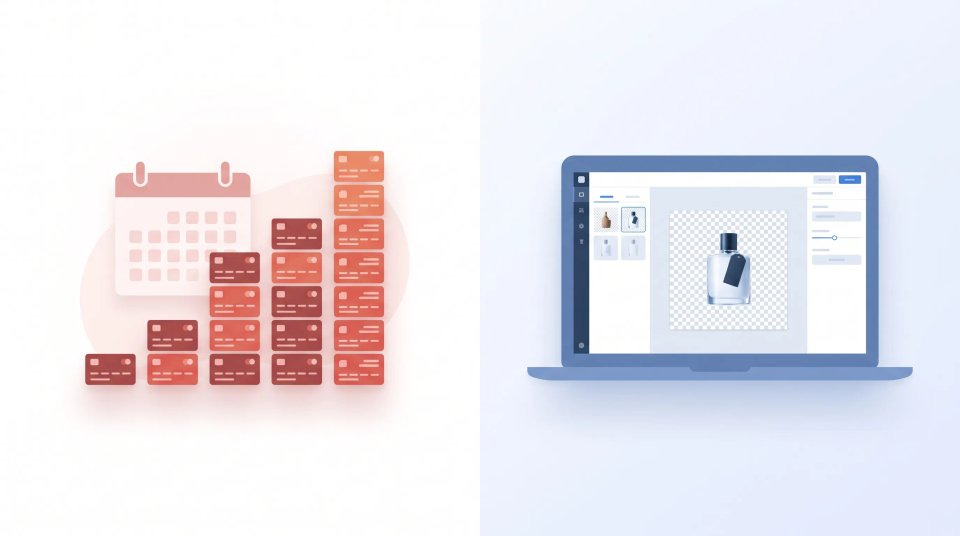
On their own, each tool seems cheap. They usually charge a small monthly fee or make you buy a pack of credits. But when you add them all up at the end of the year, you might be shocked. You end up spending a lot of money on tasks that are actually quite simple to do.
This brings up a fair question: do you really need two different paid tools for these jobs? For most everyday tasks, the answer is no. In this article, we will look at why these costs add up, what to look for in a free tool, and how RemoveBgNow can help you do both tasks without a monthly subscription.
Why Image Editing Subscriptions Add Up
Removing backgrounds and making images larger usually go hand-in-hand. Think about someone who sells things online. They take a picture of a product in a messy room. They need to remove the background so the product sits on a clean white background. But because they took the photo on their phone, the picture is too small for the website. So, they also need to make the image bigger (upscale it) without making it blurry.
Or think about someone making a social media post. They find an old, blurry photo they want to share. They need to clean it up and make it larger. Someone updating their resume might need a clean headshot with the background removed, and then made sharper for printing.
Each of these is a quick, one-time job. But most paid tools do not care if you only need to edit one photo. They are built for people who pay every month. They charge you a monthly fee or make you buy credits that disappear if you don't use them. If you only edit a few pictures a month, you end up paying for stuff you never use.
To make things worse, background removal and upscaling are often sold as two separate tools. That means you have to manage two accounts, pay two bills, and jump between two websites just to finish editing one single photo.
The Problem With Paying Separately for Simple Tasks
Using two different tools for one photo is annoying. You have to download the picture from the first website and upload it to the second. Every time you do this, you risk losing a little bit of picture quality.
Credit-based tools have a different problem. You always feel worried about "wasting" a credit on a photo that might not turn out right. This stops you from trying things out and having fun while editing.
💖
Enjoyed this article? Share it with others
Help fellow designers, sellers, and creators discover this guide.
Written and peer-reviewed by the RemoveBgNow team. We test and evaluate neural matting networks, e-commerce white background compliance, and high-resolution photo optimization.
Then there is the issue of paying for a subscription you barely use. A monthly bill doesn't pause itself just because you didn't edit any photos this week. Many people keep paying because canceling and signing up again later is too much work. The tool just sits there, unused, while the company takes your money.
This does not mean paid tools are bad. If a business needs to edit hundreds of photos a day, or needs to connect the tool to their own software, a paid plan is a great choice. The problem is when everyday people are forced into monthly payments just to edit a few pictures.
What Should a Good Free Alternative Offer?
Before you switch to a free tool, you need to know what makes a good one. "Free" is not always good enough if the tool is awful to use. Here is what you should look for:
Good Quality: Can it cut out tricky things like hair or fur without looking choppy? When it makes a photo larger, does it look blurry or full of weird blocks?
Easy to Use: Can you do the job in a few clicks without needing to watch a tutorial or install heavy software?
Privacy: Is it clear what happens to your photos after you upload them? Do they force you to make an account just to edit one picture?
Speed: Some free tools put you in a long waiting line. If you are in a hurry, a slow tool is very frustrating.
No Hidden Charges:
Limits: Some free tools put a big watermark on your photo or don't let you download the full size. A good free tool won't do this.
Tools in One Place: If you need to remove a background AND make the photo larger, it is much better if both tools are on the same website.
RemoveBgNow as a Free Alternative
RemoveBgNow is a free, browser-based tool. It focuses on the two things people need the most: removing backgrounds and upscaling images. Because both tools are on the same website, you can easily remove a background and then make the image larger without ever leaving the page.
The background remover is very easy to use. You just upload your photo, and the AI automatically cuts out the subject. You don't have to draw lines or color over the background yourself. The image upscaler works the same way. You upload a small or blurry photo, and it gives you back a larger, sharper version ready for printing, online selling, or websites.
The best part? RemoveBgNow is truly free. It is not a free trial that asks for your credit card later. You do not need to make an account to use it, and it does not ruin your photos with watermarks. This makes it perfect for people who just need to edit a few pictures and don't want a monthly bill.
It is important to know what RemoveBgNow is not. It is not a heavy, professional program like Photoshop. It will not edit hundreds of photos at once. It is built for simple, one-photo-at-a-time editing.
A Simple Workflow for Editing Images Without Multiple Subscriptions
The best way to use a free tool like RemoveBgNow is to think of it as a simple, step-by-step process:
Start with your photo. This could be a picture of a product you want to sell, an old family photo, a headshot, or a screenshot.
Remove the background. Use the background remover if you need the subject on a white or transparent background. This is great for product photos or profile pictures.
Upscale the image. If the photo is too small or blurry, run it through the upscaler. This makes sure it looks good when printed or viewed on a large screen.
Having both tools in one place saves you a lot of time. You don't have to download the photo and upload it somewhere else. You don't have to worry about the file format changing. It turns two annoying tasks into one smooth job.
Who Can Benefit From This Approach?
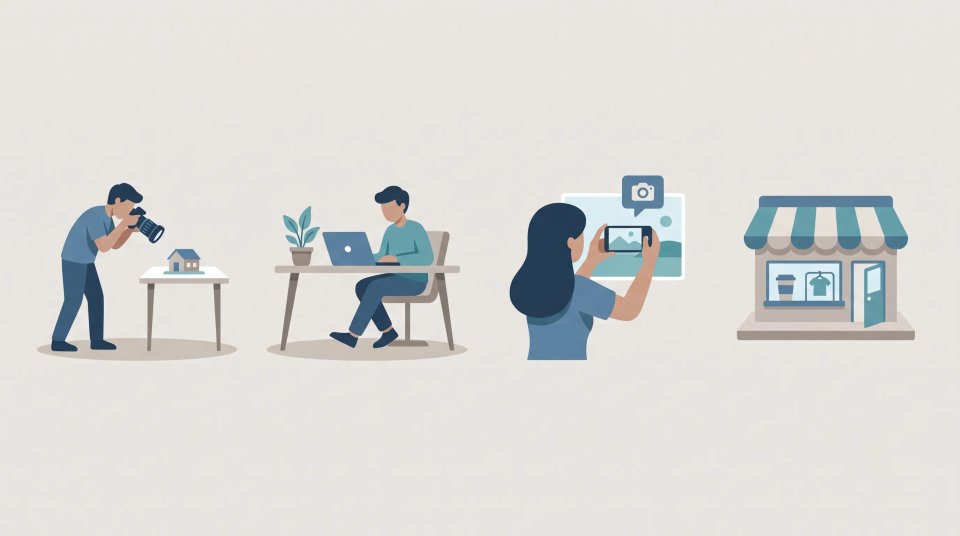
A no-subscription tool is perfect for people who need to edit photos, but not every single day.
Small E-commerce Sellers: If you run a small online shop, you need clean product photos. But you probably don't take new product photos every day. You don't need an expensive enterprise plan.
Students and Bloggers: If you need a few good pictures for a school project or a blog post, you shouldn't have to buy editing software.
Marketers: If you are running a quick ad campaign and need to cut out a few images, a free tool gets the job done without adding to your budget.
Social Media Creators: You might edit a bunch of photos for a post today, and then not touch an editing tool for three weeks.
Everyday Users: If you just want to fix an old family photo or print a nice picture for a frame, a free tool is all you need.
All these people have one thing in common: their editing needs don't match a monthly subscription. They need a tool that is ready when they are, without charging them on the days they don't use it.
Paid Tools vs Free Alternatives: When Should You Pay?
It is not true to say free tools are always better. Sometimes, paying is the right choice. It all depends on what you are doing.
When to pay: If you run a professional photography studio or a massive online store, you might edit hundreds of photos a week. Paid tools let you upload photos in batches (all at once). They give you API access (so the tool can work inside your own website). They also let teams share an account and keep a history of their work. If your business has strict rules about privacy, you might need a paid contract to guarantee your data is safe. Also, if you need to do deep, artistic editing like changing faces or adding fake backgrounds, a full paid software suite is better.
When to use free: If you only edit a few photos a week or month, and you only need to remove backgrounds or make pictures larger, a free tool is usually all you need. Don't pay for a race car if you only drive to the grocery store. The real test is asking yourself: "Will I actually use these extra paid features?" If the answer is no, stick to free.
Frequently Asked Questions
Have questions about our free background remover and image upscaler? Visit FAQ page to get simple, straightforward answers! Find out how you can use RemoveBgNow without creating an account, learn about our image quality for business or personal use, and see why you don't need a monthly subscription to edit your photos. We cover everything you need to know so you can start fixing your images hassle-free.
Q. Is RemoveBgNow actually free, or is it a free trial?
RemoveBgNow is completely free to use. You do not need a paid subscription or an account to remove backgrounds or upscale images. It is not a time-limited trial.
Q. Will the image quality be as good as a paid tool?
For normal photos like product pictures, portraits, and web images, the quality is just as good. AI tools are very smart these days. However, if you have a very complicated photo—like frizzy hair blending into a busy background—any tool (free or paid) might struggle to make it perfect.
Q. Do I need to create an account to use RemoveBgNow?
No. You can just go to the website, upload your image, and start editing right away.
Q. Can I use RemoveBgNow for commercial or business purposes?
Yes. You can use the edited photos for your business, like online stores or marketing ads. The image you download belongs to you.
Q. What image formats and resolutions are supported?
RemoveBgNow supports all the normal image formats (like JPG and PNG) for uploading and saving. The size you can download depends on the size of the photo you upload.
Q. Is a paid subscription ever necessary for background removal or upscaling? Yes, but only for big jobs. If you need to edit hundreds of photos at once, or if you need a team to work together, a paid tool is better. For everyday use, it is not needed.
Q. How is RemoveBgNow different from using two separate free tools? Because both tools are on one website, you don't have to download your photo from one site and upload it to another. It saves you time and keeps your image quality safe.
Conclusion
Monthly subscriptions are great if you use a tool every single day. But they are a waste of money if you only need to remove a few backgrounds or make a few pictures larger every month. Before you pay your next editing bill, ask yourself how often you really use the tool. If the answer is "not much," it is time to cancel.
For simple, everyday background removal and image upscaling, RemoveBgNow lets you do both tasks in one place for free. It will not replace a professional editing suite for big businesses, but for the normal, everyday editing that most of us need to do, it is the perfect tool to try before you spend another dime.